Cloudflare One (Android)
Overview
Cloudflare One is the Zero Trust security agent that protects your device's internet traffic. It's one of the apps available from Watchtower's app catalog. This guide covers the app's one-time setup the first time you open it, and how to connect and disconnect it afterward.
Prerequisites
- Cloudflare One installed on the device — see How to Install Apps/Plugins
- An internet connection (Wi-Fi or cellular)
Steps
Part 1: First-Time Setup
- From the home screen or app drawer, tap Cloudflare One to open it.
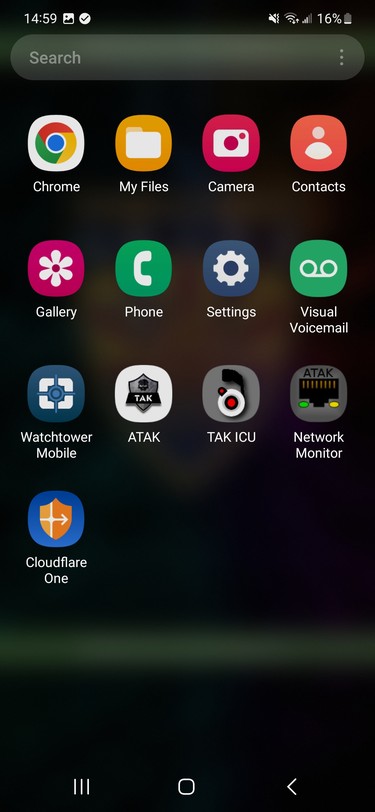
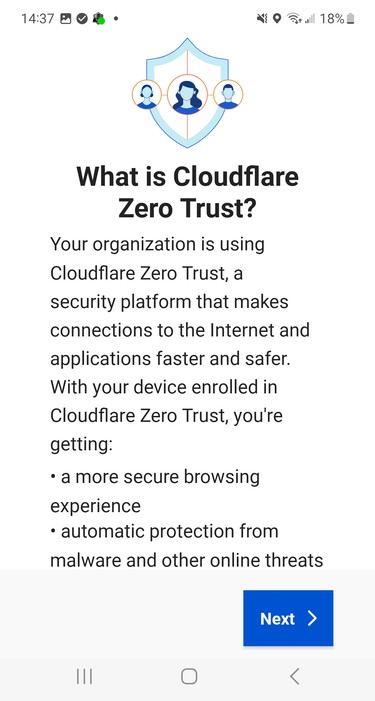
- Read the What is Cloudflare Zero Trust? intro screen, then tap Next.
- On the Your Privacy screen, tap Accept to agree to the Privacy Policy and Terms of Service and continue.
Tapping Decline stops setup here — the agent needs this acceptance to run.

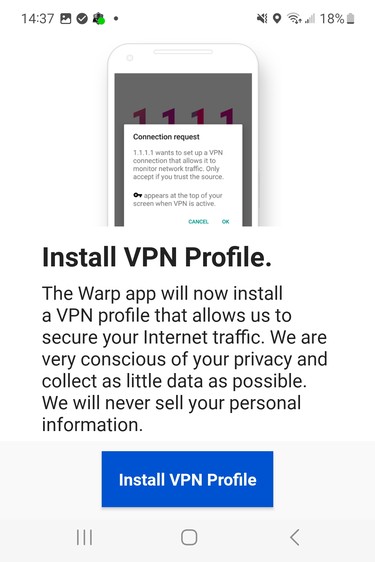
- On the Install VPN Profile screen, tap Install VPN Profile.
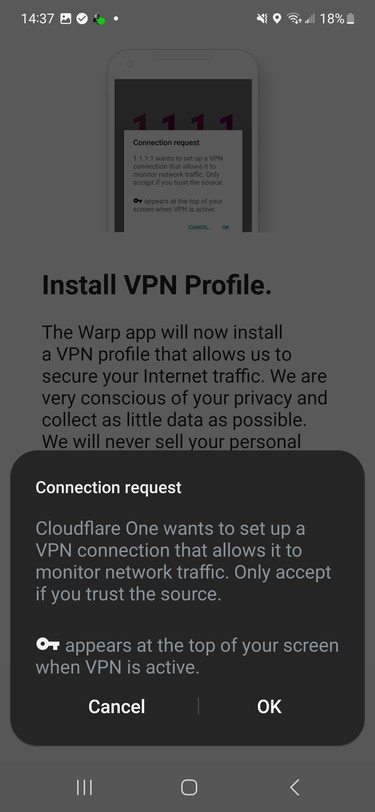
- Android will ask you to confirm the VPN connection request. Tap OK.
A key icon appears at the top of your screen whenever the VPN connection is active — that's expected, not a sign of a problem.
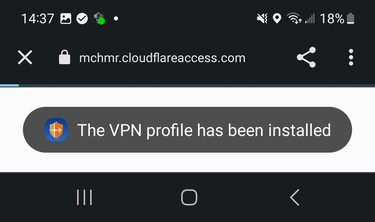
- A confirmation page loads briefly and shows The VPN profile has been installed.
Part 2: Connecting
- The main Cloudflare Zero Trust screen opens showing Disconnected. Tap the toggle to connect.

- The screen briefly shows Connecting while it updates connection info.

- Once connected, the screen shows Connected, confirming your DNS queries and included routes are protected.
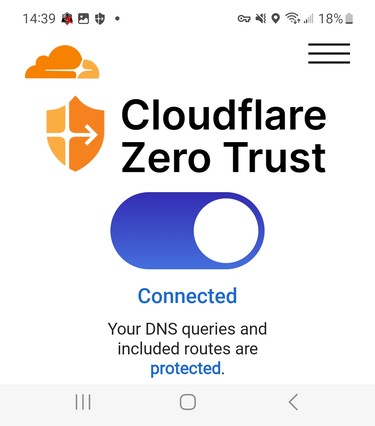
The device is now protected by Cloudflare Zero Trust. Toggle the switch off any time to disconnect, and back on to reconnect — the app remembers your setup, so you won't see the first-time screens again.
Troubleshooting
Not yet documented — no troubleshooting scenarios have come up for this module yet.